Share a read-only view
Let a named person read part of your schedule, for the dates and details you choose.
Steps
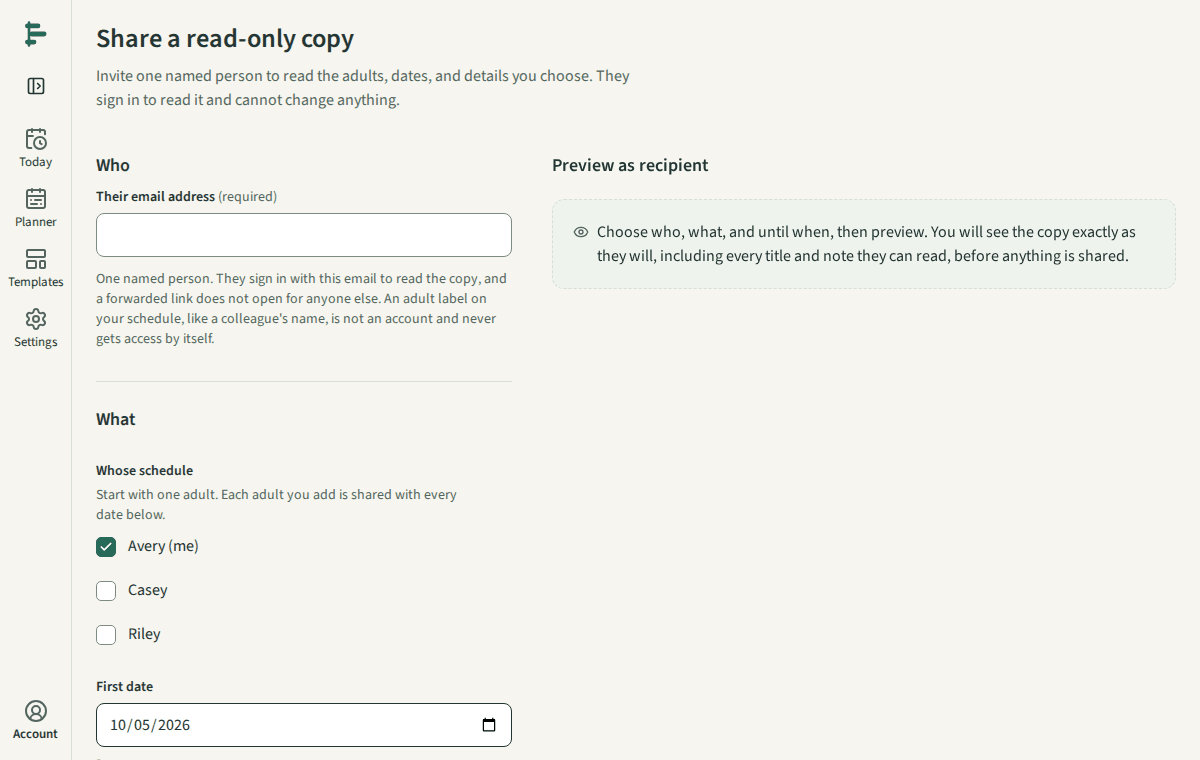
Choose Share. Enter the person's email address and choose whose schedule they can read.
Choose the first and last date, the details to include, and until when access lasts.
Check the preview. It shows exactly what they will see.
Create the invitation and send them the link yourself. It opens only after they sign in with that email address.
Good to know
- They can read, never edit. Drafts are never shared.
- Revoke access at any time in Settings, Sharing. It stops at once.
- Share only information your school permits you to share.