A daily para schedule that explains your role
A daily para schedule puts one workday in order: every duty with its exact times, where it happens, and your role in it. This template is a single regular day that repeats on each workday, so you enter it once and read it every morning.
It helps a para whose plan is mostly the same from day to day and who wants a personal copy on a phone or on paper, without setting up a classroom team.
The example day
Fictional example dutiesThe regular day exactly as the template puts it in your draft. Choose a duty to read its details.
The day's shape
Monday, every duty in order
- 7:45–7:52 AMNo duty entered for this time
Read one duty the way you will at work.
Every duty answers the same questions in the same places, so a glance between tasks is enough.
9:15–9:25 AM
Walk to specials
TransitionHall B
My role: Walk with the class to the art room.
- Time
- 9:15–9:25 AM, exact to the minute. The Next tab says it comes after what you are doing now.
- Duty
- Walk to specials, a transition.
- Location
- Hall B: where to be when it starts.
- My role
- “Walk with the class to the art room.” Your own job, in your words.
- Next handoff
- Then materials prep at 9:25 AM in Workroom. When a duty has a handoff, the card says who escorts and who receives, and where.
- Date and version
- In your own schedule, Today names the date and the current copy's number (Current copy v1, v2, and so on). Every printout carries both, plus when it was made.
What to enter
- Time
- Start and end to the exact minute, such as a bus arrival from 7:52 to 8:07. Nothing is rounded to a half hour.
- Duty
- A short name you will recognize at a glance: Bus arrival, Reading block support, Lunch supervision.
- Location
- Where you need to be: Room 104, the bus loop, the cafeteria.
- Adult role
- What you do there, in one sentence: “Walk riders to Room 104.”
- Duty type
- Instructional support, transition, supervision, classroom task, assigned elsewhere, or adult break. Your own break is its own duty at the time your school sets.
How to use it
- Walk through your day from arrival to dismissal and note each place you move to.
- Choose Use this template, then set your workdays and the times your day starts and ends.
- Go down the example duties in order and change each one's times, room, and role to yours; delete the ones you do not have.
- Review the draft and choose Use this version. Today then shows what is happening now and what comes next.
- Print a personal day sheet, or pocket cards if phones stay put away during work.
What stays the same, and what can change
What stays the same
- Your regular day repeats on every workday you set.
- Each copy, on screen or on paper, is read from that one routine, so your phone and your printout agree.
What can change
- One date only: record a change with This date only, and the following week still reads from your routine.
- From a date on: edit the routine and choose when the new version starts. Earlier dates keep the version they had.
A blank version to print
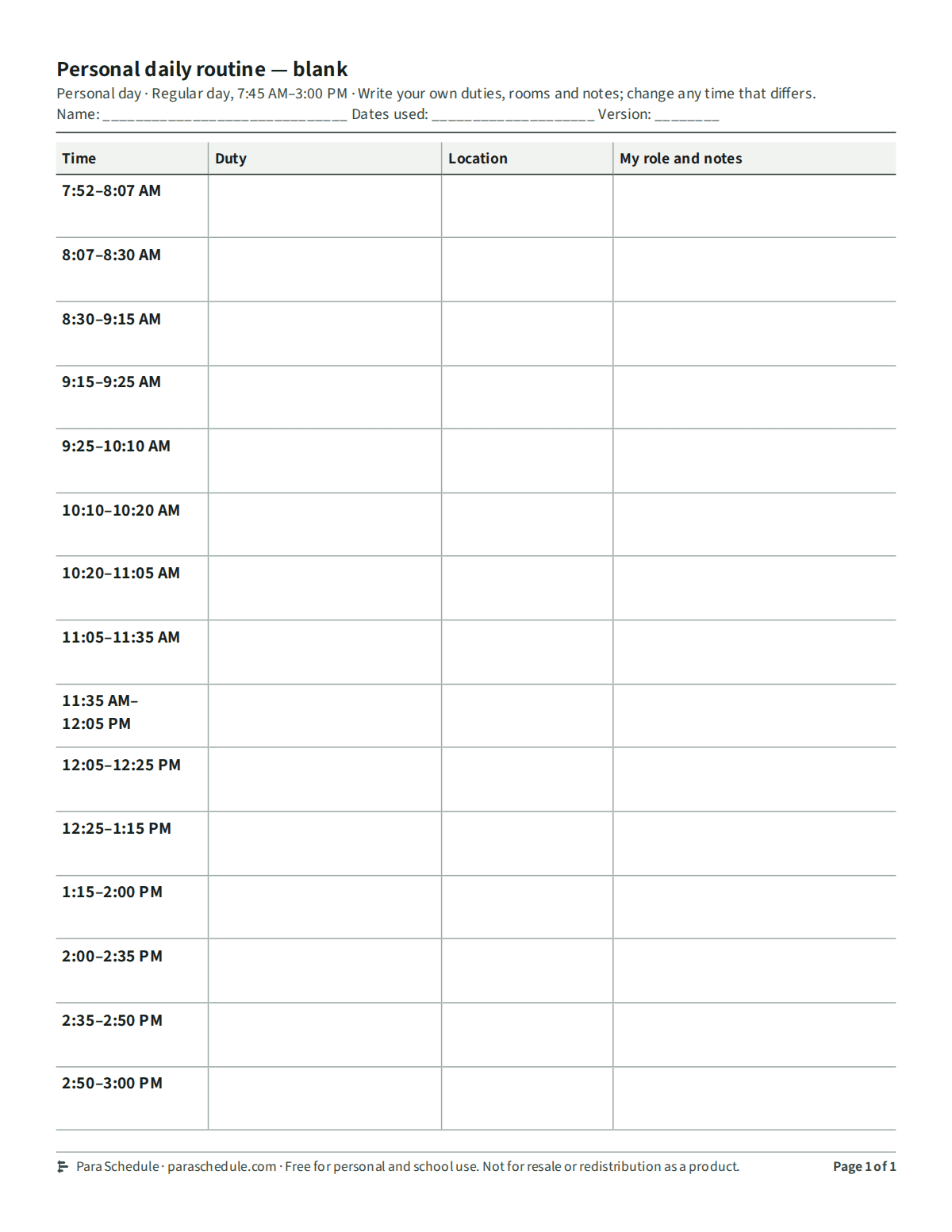
The personal daily routine layout with its regular day's times and every duty left empty, to fill in by hand. No account or email needed.
Blank version (PDF, letter size)Free for personal and school use. Not for resale or redistribution as a product.
Scope and plan limits
Everything in this template works on Free: your personal schedule, one-day changes, and a single printed copy of any layout.
Para Schedule Plus adds a team schedule of up to 25 adults, including you, up to 20 reusable alternative days, and several dates or adults printed in one step.
This page, its example, and the blank version need no account.
Practical questions
Can one weekday be different?
Yes. Add a duty that belongs to one weekday only, and it appears on that day's copy alone. If most of your days differ, the weekly template is built that way from the start.
Does it work if I cannot use my phone at school?
Yes. Print a personal day sheet or pocket cards for a badge holder. Each printout names its date and copy version, and a long day continues on another page or card instead of shrinking.
Where does my break go?
Enter it as its own duty with the adult break type, at the time your school sets. The break in the example is a placeholder, not a statement about anyone's break entitlement.
Do I need an account to try it?
No. This page and the Maple Room sample work without an account. You create one when you want to save your own schedule.
Related help
- Weekly para schedule templatePlan different assignments across weekdays without rebuilding a spreadsheet. Preview a weekly para schedule and customize your own routine.
- How to make a para scheduleA practical walkthrough for building a paraprofessional schedule: list the day's blocks, name the adult's role and location in each, mark breaks and handoffs, and keep one current copy.
- Print a pocket scheduleSee the real printed outputs: a personal day, a pocket card set with continuation, and a classroom board, each labeled with its date and version so every adult carries a readable current copy.