Keep multiple-classroom assignments in one schedule
A floating para schedule follows one adult through several rooms: where to be, when to leave, and what the job is at each stop. This template moves between classrooms, the library, and shared spaces, with five minutes between rooms.
It helps a para who pushes in to different classrooms, covers inclusion blocks, or moves between groups, and needs the route and the role for every stop.
The example day
Fictional example dutiesThe route as the template puts it in your draft. The gaps between rooms read No duty entered: that is your walking time.
The day's shape
Monday, every duty in order
- 7:55–8:00 AMNo duty entered for this time
- 8:25–8:30 AMNo duty entered for this time
- 9:15–9:20 AMNo duty entered for this time
- 10:05–10:10 AMNo duty entered for this time
- 10:55–11:00 AMNo duty entered for this time
- 11:30–11:35 AMNo duty entered for this time
- 12:05–12:10 PMNo duty entered for this time
- 12:55–1:00 PMNo duty entered for this time
- 1:45–1:50 PMNo duty entered for this time
- 2:35–2:40 PMNo duty entered for this time
- 2:55–3:00 PMNo duty entered for this time
A room change, to the minute.
One move from the template, read exactly as entered, and what the travel check says when a move is too tight.
- 9:15–9:20 AMNo duty entered for this time
- Leave
- Room 104 at 9:15 AM
- Arrive
- Room 112 by 9:20 AM
- Walk
- 5 minutes entered; the travel check asks for 5. The gap reads No duty entered, never available.
If math support were entered to start at 9:17 AM, the check would say:
Allow 5 minutes between these locations; 2 minutes are entered. Me goes from Reading support to Math support.
A check explains what the entered times show. It does not move anything for you.
What to enter
- Location
- The room for each stop. The travel check compares locations, so name each room the same way every time.
- Time
- When you arrive and when you leave, to the minute. Leave the walk between rooms empty or give it its own duty.
- Duty
- What the stop is: Reading support, Math support, Small-group reading.
- Adult role
- Your job in that room, since it differs from room to room.
- Shared note
- What the room shares with you, such as where the teacher posts the day's groups.
How to use it
- Put your rooms in the order you visit them and note the minutes you need to walk between them.
- Choose Use this template. It suggests a five-minute travel check; confirm it, or set your own minutes in Settings.
- Enter each stop with its exact start and end and the room's name.
- Read the checks: a move with less time than your setting is pointed out with the minutes actually entered.
- Print pocket cards with the room first, so the route is easy to follow away from a screen.
What stays the same, and what can change
What stays the same
- Your route repeats in the same order on every workday.
- The travel setting applies to every day until you change it.
What can change
- A room swap on one date: change that date only, and the check reads the new room for that day.
- A new set of rooms from a date: edit the routine and choose when the new version starts.
A blank version to print
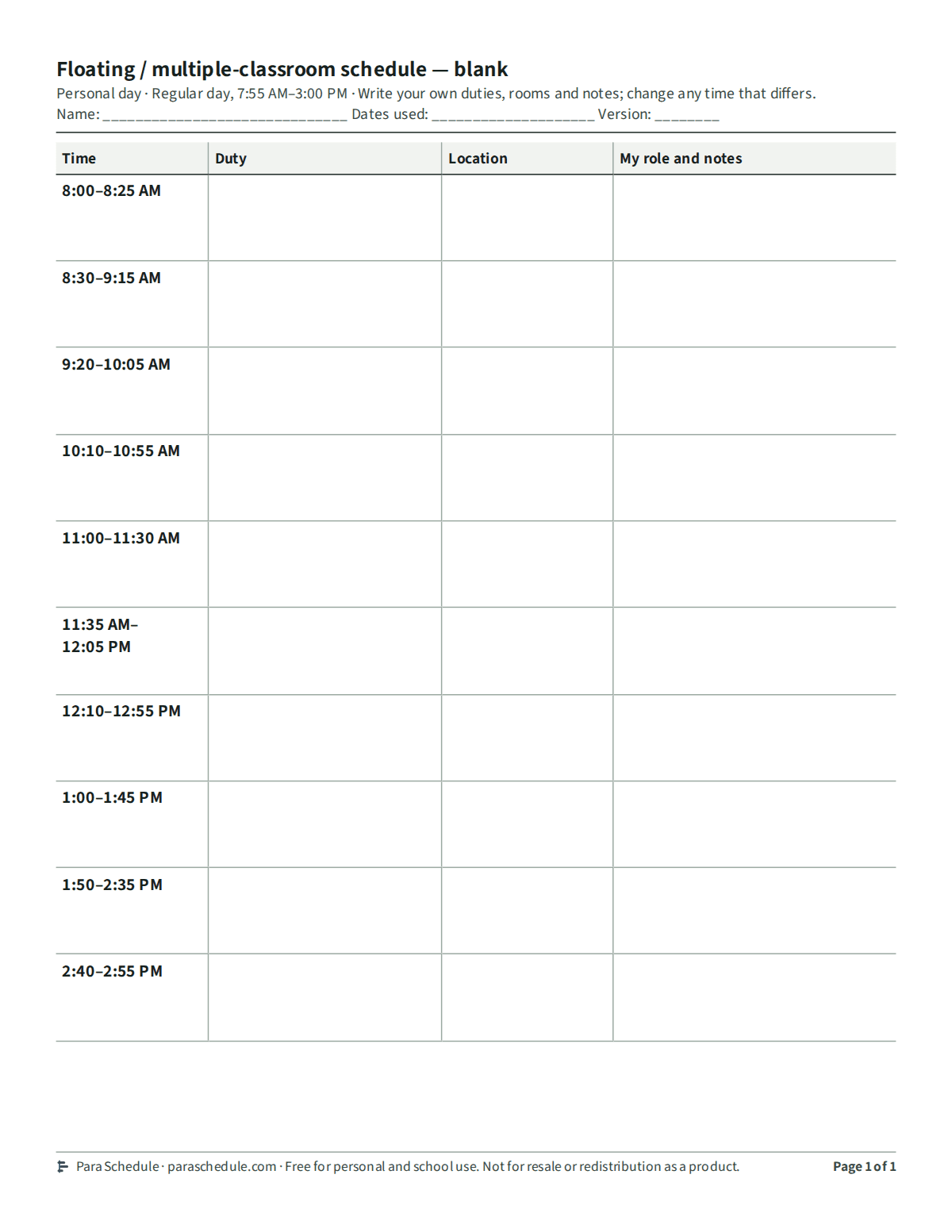
The floating / multiple-classroom schedule layout with its regular day's times and every duty left empty, to fill in by hand. No account or email needed.
Blank version (PDF, letter size)Free for personal and school use. Not for resale or redistribution as a product.
Scope and plan limits
Everything in this template works on Free: your personal schedule, one-day changes, and a single printed copy of any layout.
Para Schedule Plus adds a team schedule of up to 25 adults, including you, up to 20 reusable alternative days, and several dates or adults printed in one step.
This page, its example, and the blank version need no account.
Practical questions
Does it plan my route?
No. You enter the rooms and times. The travel check only points out a move with less time than your setting; it does not choose rooms or reassign anyone.
What counts as a room change?
Two duties in a row with different locations. Duties in the same place, or with no location entered, are not checked.
How do I carry the route without my phone?
Print pocket cards for a badge holder. Each stop starts with its room, and a long day continues on another card instead of shrinking.
Related help
- Period-based para schedule templateUse named class periods with real times to organize adult support. Preview a period-based para schedule and adapt its weekday pattern.
- Print a pocket scheduleSee the real printed outputs: a personal day, a pocket card set with continuation, and a classroom board, each labeled with its date and version so every adult carries a readable current copy.
- Absence and coverageRecord a para's absence or a partial-day change for one date without rewriting the regular week, keep unresolved coverage visible, and print the copy that applies that day.